
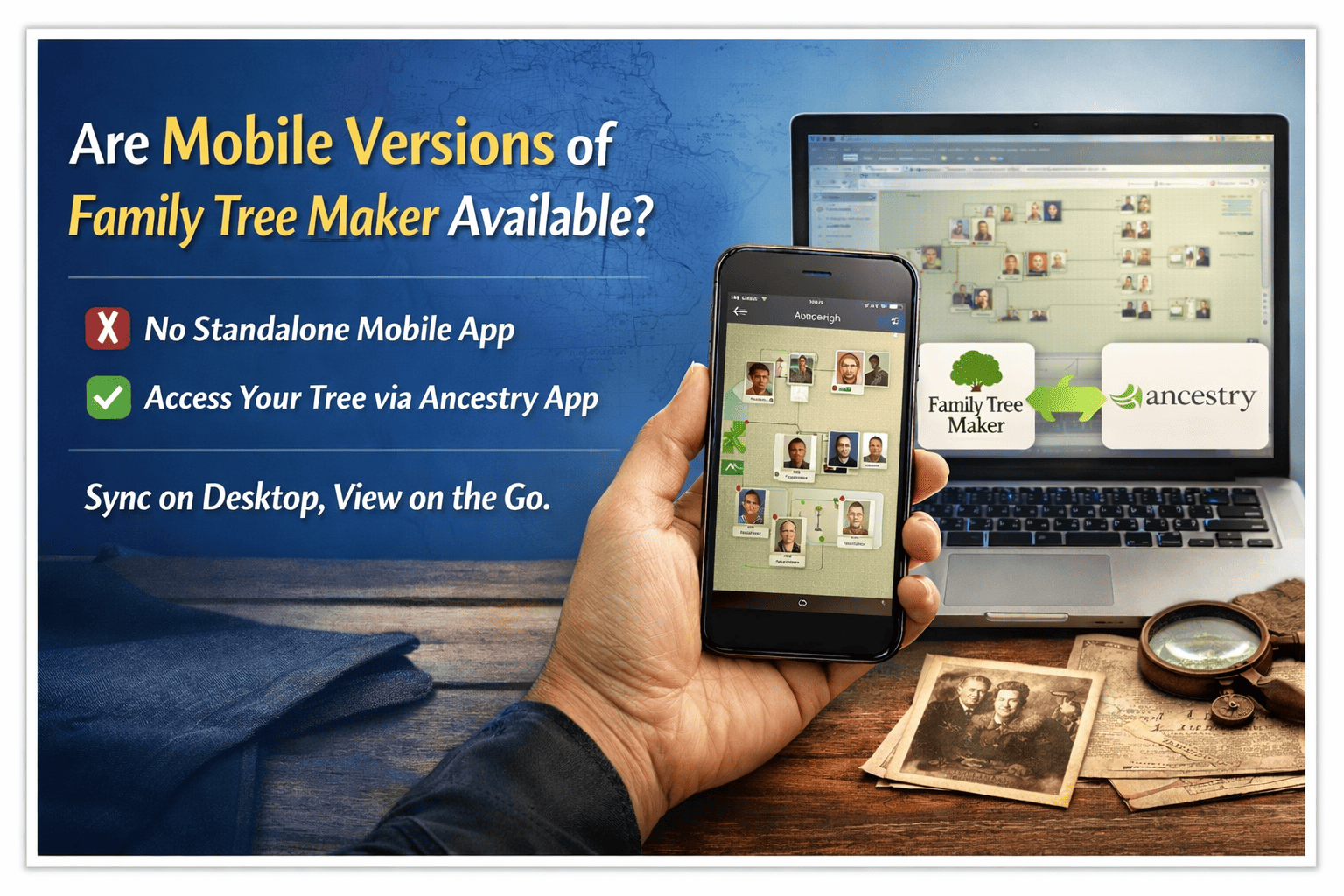
If you’re researching your ancestry on the go, you might be wondering: Are mobile versions of Family Tree Maker available? This is one of the most common questions among U.S.-based genealogy enthusiasts who want flexibility between desktop and smartphone access.
Let’s break it down clearly and accurately.
What Is Family Tree Maker?
Family Tree Maker is one of the most popular genealogy software programs in the United States. Developed and published by Software MacKiev, it helps users:
- Build detailed family trees
- Sync with Ancestry® accounts
- Store photos and historical records
- Generate reports and charts
- Manage large genealogy databases
It is especially popular among serious researchers who prefer robust desktop-based tools.
Is There a Mobile Version of Family Tree Maker?
❌ No Standalone Mobile App (Currently)
As of 2026, there is no full standalone mobile app of Family Tree Maker available for iOS or Android devices.
You cannot download “Family Tree Maker” directly from:
- Apple App Store
- Google Play Store
The software is primarily designed for:
- Windows desktop computers
- Mac desktop/laptops
How Mobile Access Actually Works
Even though there is no independent mobile app, you can still access your tree data on mobile devices using syncing features.
🔄 TreeSync Technology
Family Tree Maker integrates with Ancestry through TreeSync. Here’s how it works:
- You create and manage your main tree in Family Tree Maker (desktop).
- You sync it with your Ancestry online tree.
- You access your synced tree through the Ancestry mobile app.
So technically:
- FTM itself = Desktop-based
- Mobile access = Through Ancestry app
This is currently the best workaround for users who want mobility.
Can You Edit Your Tree on Mobile?
Yes — but indirectly.
Using the Ancestry mobile app, you can:
- View family members
- Add relatives
- Upload photos
- Edit facts
Then when you return to your desktop, you can sync changes back into Family Tree Maker.
This hybrid workflow works well for:
- Researchers attending genealogy events
- Library/archive visits
- Family gatherings
- Travel-based record collection
Why Doesn’t Family Tree Maker Have a Full Mobile App?
There are a few practical reasons:
1️⃣ Desktop-Level Power
Family Tree Maker is built for:
- Large databases
- Advanced charting
- Detailed reports
- Bulk editing
These features are harder to replicate fully on a small screen.
2️⃣ Data Security & Stability
Genealogy data can be extensive. Desktop environments allow better:
- Backup systems
- File control
- Offline storage
What About FTM 2024?
Family Tree Maker 2024 continues the desktop-focused approach. While it enhances performance, syncing, and stability, it does not introduce a separate mobile-only version.
However, syncing improvements make mobile viewing smoother through Ancestry.
Alternative Options for Mobile Genealogy
If you specifically want mobile-first genealogy software, you may consider:
- MyHeritage (Strong mobile app presence)
- FamilySearch (Free and mobile-friendly)
But many U.S. users still prefer Family Tree Maker for its advanced desktop capabilities and then use mobile access as a secondary convenience.
Quick Answers
Q: Is Family Tree Maker available as a mobile app?
A: No, it is desktop software only.
Q: Can I access my Family Tree Maker tree on my phone?
A: Yes, by syncing with Ancestry and using their mobile app.
Q: Does FTM 2024 have a mobile version?
A: No standalone version, but syncing is supported.
Final Verdict
So, are mobile versions of Family Tree Maker available?
👉 No standalone mobile app exists.
👉 Yes, mobile access is possible via syncing with Ancestry.
If you’re in the USA and want full control, powerful reports, and secure offline storage, the desktop version remains the best choice — with mobile serving as a convenient companion.